Editorial noir on obsidian · Free on every plan
Ink wedding invitation website
Ink is the evening-wear template. Every section lives on deep obsidian, the type is a high-contrast Playfair Display, and a fine film grain sits over the page like a still from an old movie.
Free for 50 guests · No credit card

What Ink looks like
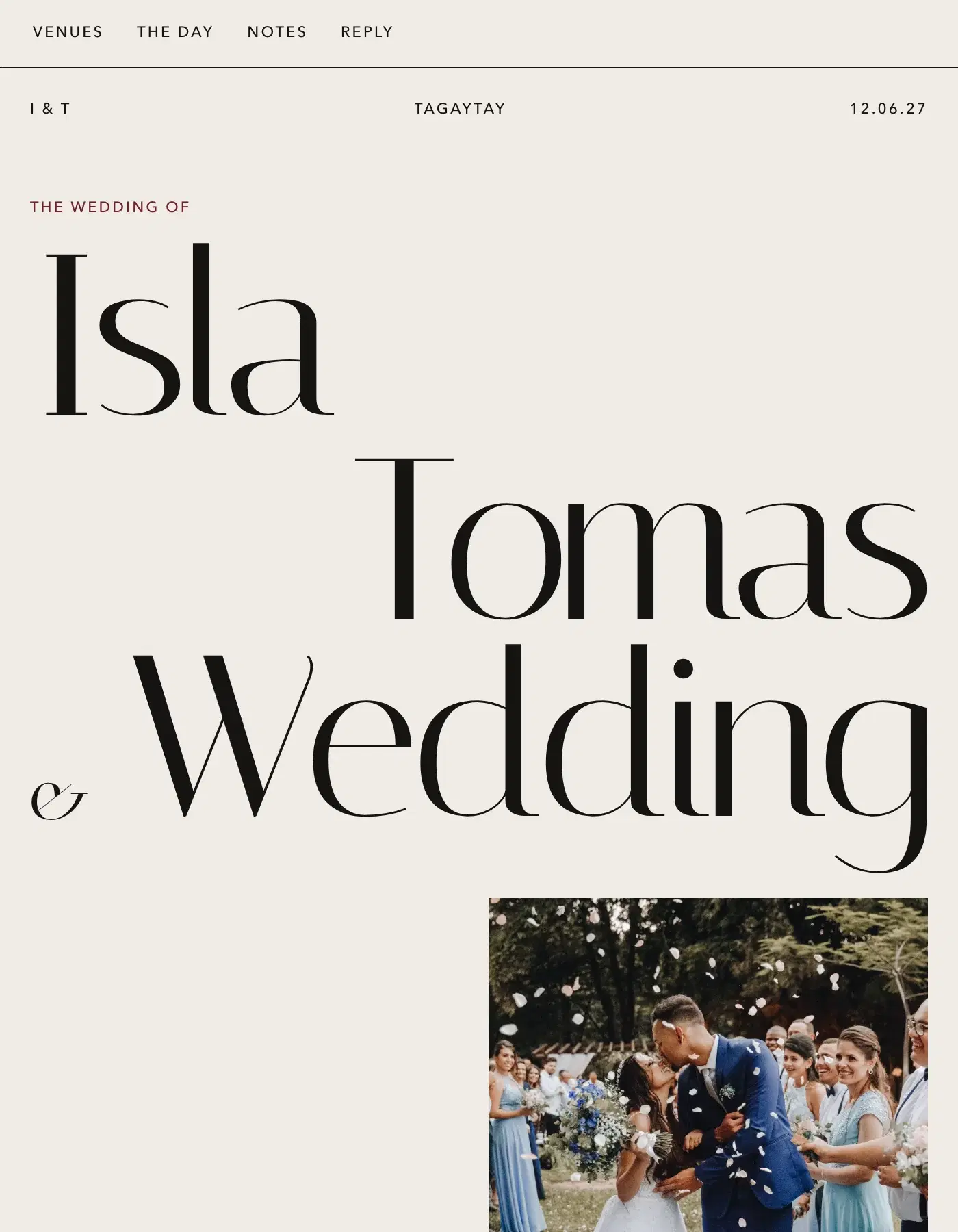
The cover can be text only, a full photo background or a photo split beside your names. Around it you can scatter ink splatters, set corner flourishes and ink-style dividers between sections, or switch each of those off for a cleaner noir.
Four themes change the light: Ember for warm copper on near-black, Deep Sea, Verdant, and Reverse for a light page with the same editorial bones. Two font pairings keep it in the serif family it was drawn for.
Ink suits evening receptions, black-tie and cocktail dress codes, city weddings and couples with moody, high-contrast photos. Because the page is dark, white and gold attire photos stand out especially well in the attire guide.
For photos, Ink suits night shots, black-and-white portraits and anything with strong shadows; bright daylight photos can feel out of place on the dark page. Keep your welcome short and a little dramatic, list the program with times, and use the FAQs for the practical answers — dress code, parking, what time the doors open. Guests open one link, no app needed, and the reply form at the end takes their answer in under a minute. You see every response on your dashboard as it comes in, so there is no chasing in group chats.
Ink colour themes
4 ready-made themes, one click each in the Design Studio. Themes and your own colours are part of Premium; on the free plan the template keeps its own colours.
- Ember
- Deep Sea
- Verdant
- Reverse
Included with Ink
Every Ceremo template runs on the same product, so all of it works with Ink. Each page says what is free and what is Premium.
Questions about Ink
- Is the Ink template free?
- Yes. Ink is free on every plan, including the free one for up to 50 guests. Premium is ₱2,499 once per invitation and adds unlimited guests, the colour themes and font pairings, and no Ceremo branding.
- Does Ink work on phones?
- Yes. Ink is built for phones first and works from the smallest screens up. Guests open one link — no app, no account.
- Can guests RSVP on the Ink invitation?
- Yes. Every guest group gets its own private link, and the reply form on the page takes their answers, plus-ones and the custom questions you add, like dietary needs. You see every reply on your dashboard as it comes in.
- Can I change the colours and fonts of Ink?
- Ink’s template settings — its ornaments and layouts — are free. Its colour themes, your own colours and its font pairings are part of Premium. You can also switch to another template at any time; your words, photos and replies come with you.
- Can I make Ink lighter?
- Yes. The Reverse colour theme keeps Ink’s editorial layout on a light page. Colour themes are part of Premium.