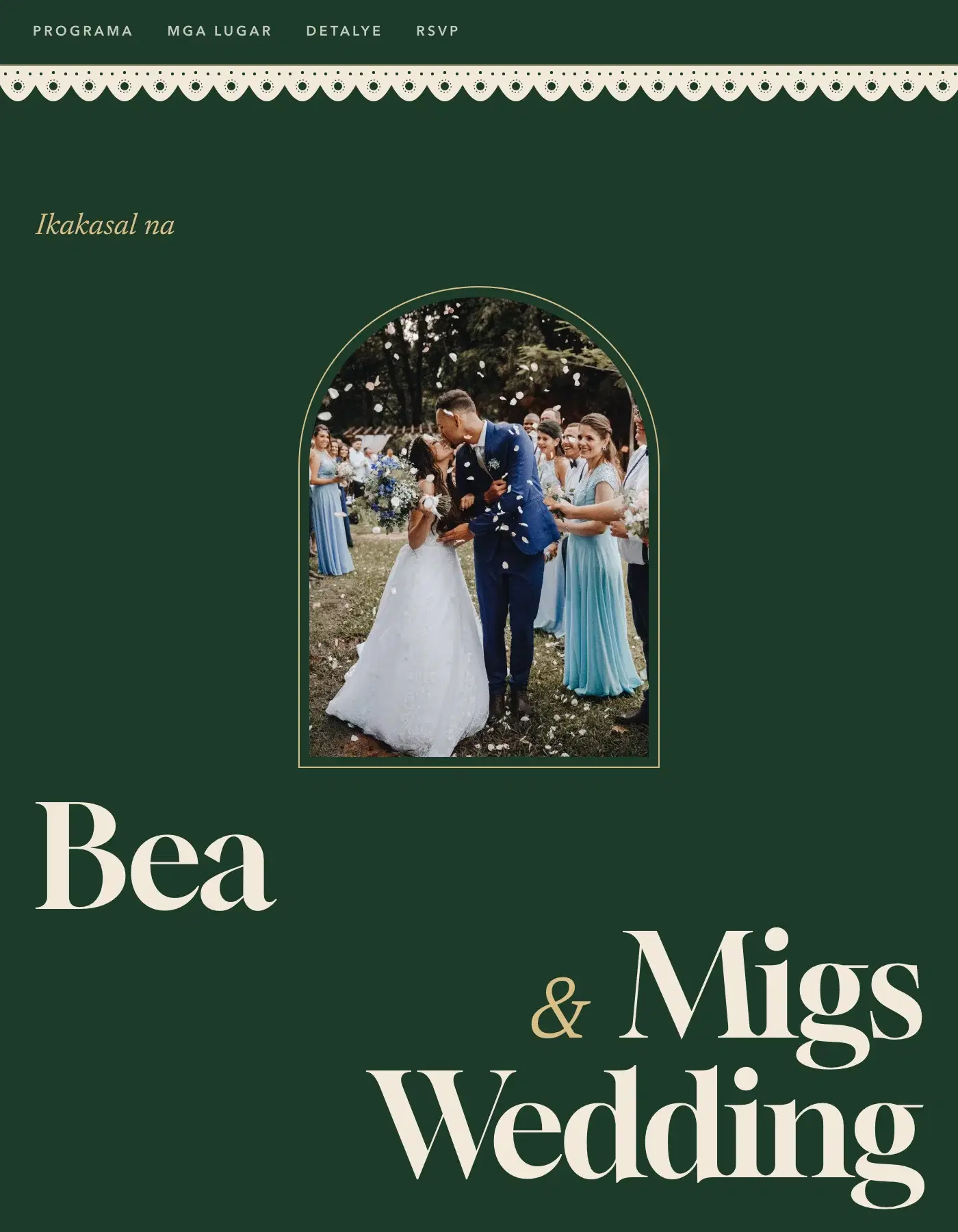
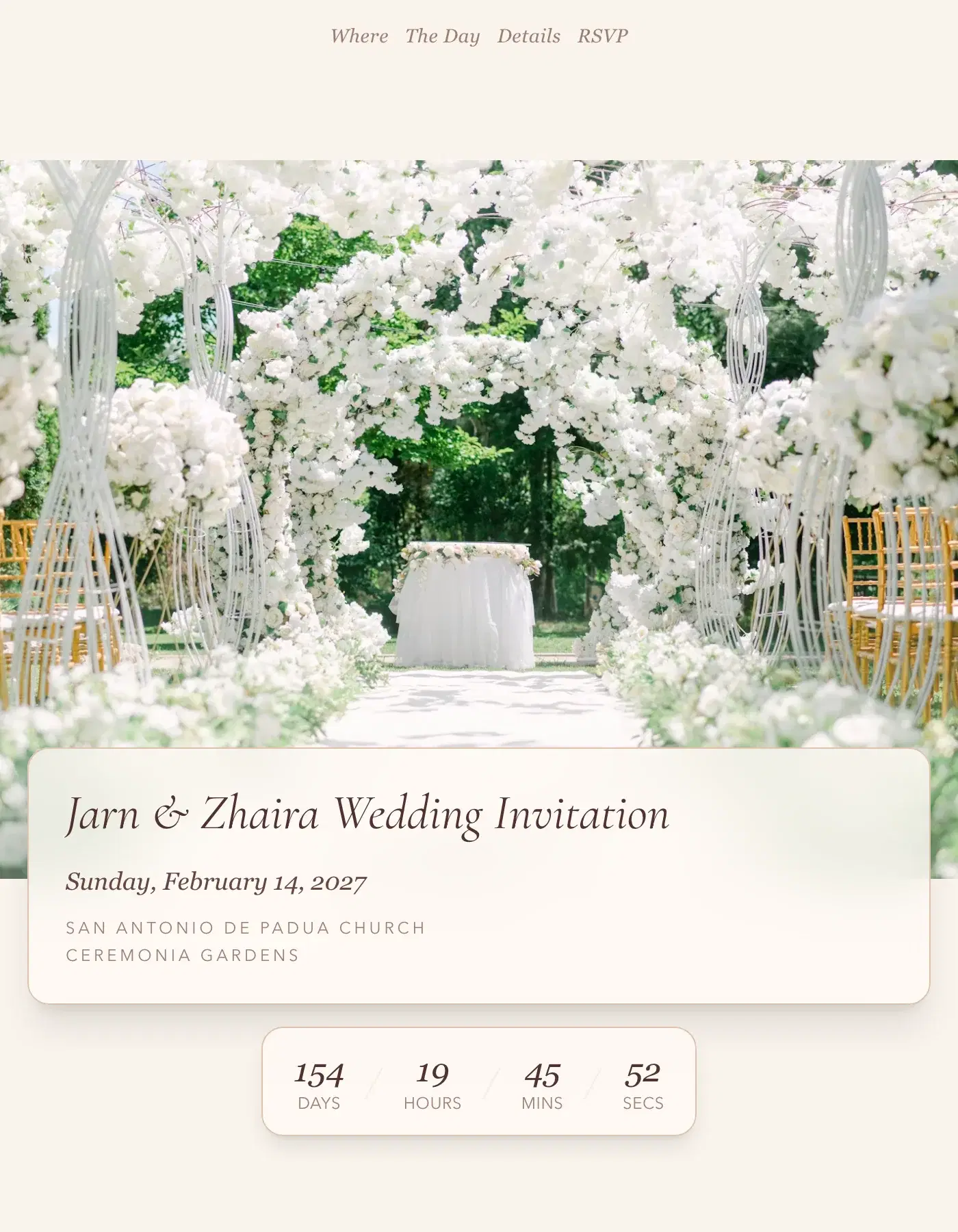
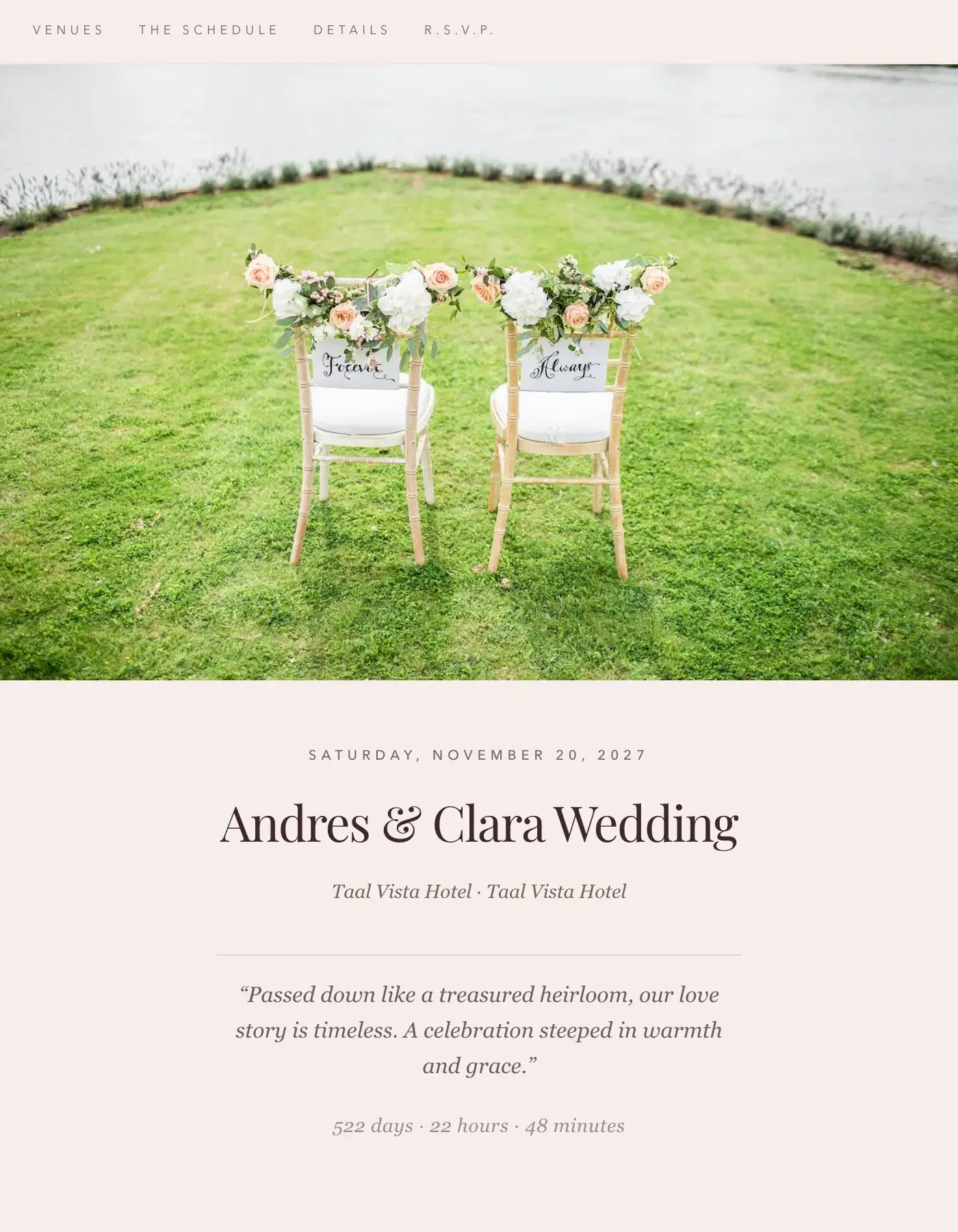
Warm parchment and botanicals · Free on every plan
Terracotta wedding invitation website
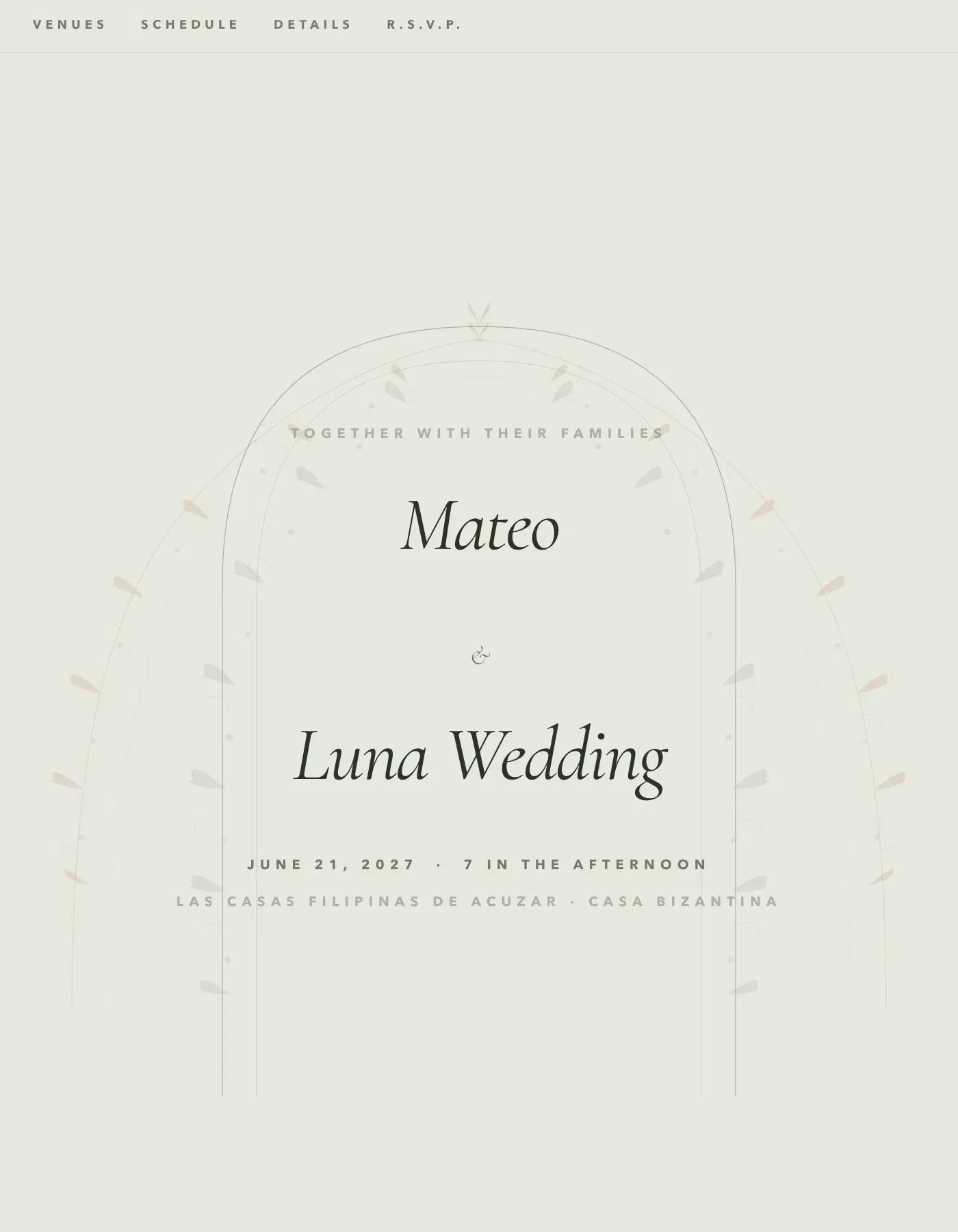
Terracotta feels like a hand-lettered card on warm parchment: Cormorant Garamond, a terracotta accent, and botanical dividers between the sections.
Free for 50 guests · No credit card
What Terracotta looks like
Switch on the arch to frame the top of your cover, or the botanical vines that climb the edges of the page and drift gently as guests scroll — you choose how dense they are. Underneath, every section a Filipino wedding needs is there — the entourage, the attire guide, the gift guide, the FAQs and the reply form.
Five themes keep it earthy: Olive Grove, Dusty Rose, Midnight Clay for a darker page, Ocean Driftwood and Warm Linen. Four font pairings, from Earthy Serif to Botanical, stay warm and handmade.
It suits garden and farm weddings, Tagaytay and Batangas venues, boho styling, and couples whose motif is clay, rust, sage or olive. If your florist is doing dried flowers and pampas, this is probably your template.
For photos, Terracotta loves natural light: your prenup in a field, a garden, a plate of food, hands and flowers. Write your welcome warmly and plainly, add a map for each venue so guests from Manila find the way, and use the attire guide to show the earth tones you would like them to wear. Guests open one link on their phone and reply in a minute, with no app and no account. Every answer appears on your dashboard as it lands, so you know your headcount without counting replies in Messenger.
Terracotta colour themes
5 ready-made themes, one click each in the Design Studio. Themes and your own colours are part of Premium; on the free plan the template keeps its own colours.
- Olive Grove
- Dusty Rose
- Midnight Clay
- Ocean Driftwood
- Warm Linen
Included with Terracotta
Every Ceremo template runs on the same product, so all of it works with Terracotta. Each page says what is free and what is Premium.
Questions about Terracotta
- Is the Terracotta template free?
- Yes. Terracotta is free on every plan, including the free one for up to 50 guests. Premium is ₱2,499 once per invitation and adds unlimited guests, the colour themes and font pairings, and no Ceremo branding.
- Does Terracotta work on phones?
- Yes. Terracotta is built for phones first and works from the smallest screens up. Guests open one link — no app, no account.
- Can guests RSVP on the Terracotta invitation?
- Yes. Every guest group gets its own private link, and the reply form on the page takes their answers, plus-ones and the custom questions you add, like dietary needs. You see every reply on your dashboard as it comes in.
- Can I change the colours and fonts of Terracotta?
- Terracotta’s template settings — its ornaments and layouts — are free. Its colour themes, your own colours and its font pairings are part of Premium. You can also switch to another template at any time; your words, photos and replies come with you.
- Does Terracotta have the vines and the arch?
- Yes. Botanical Vines and the hero arch are switches in Terracotta’s settings, off until you turn them on; the vines have a density control. The botanical section dividers are on from the start.